
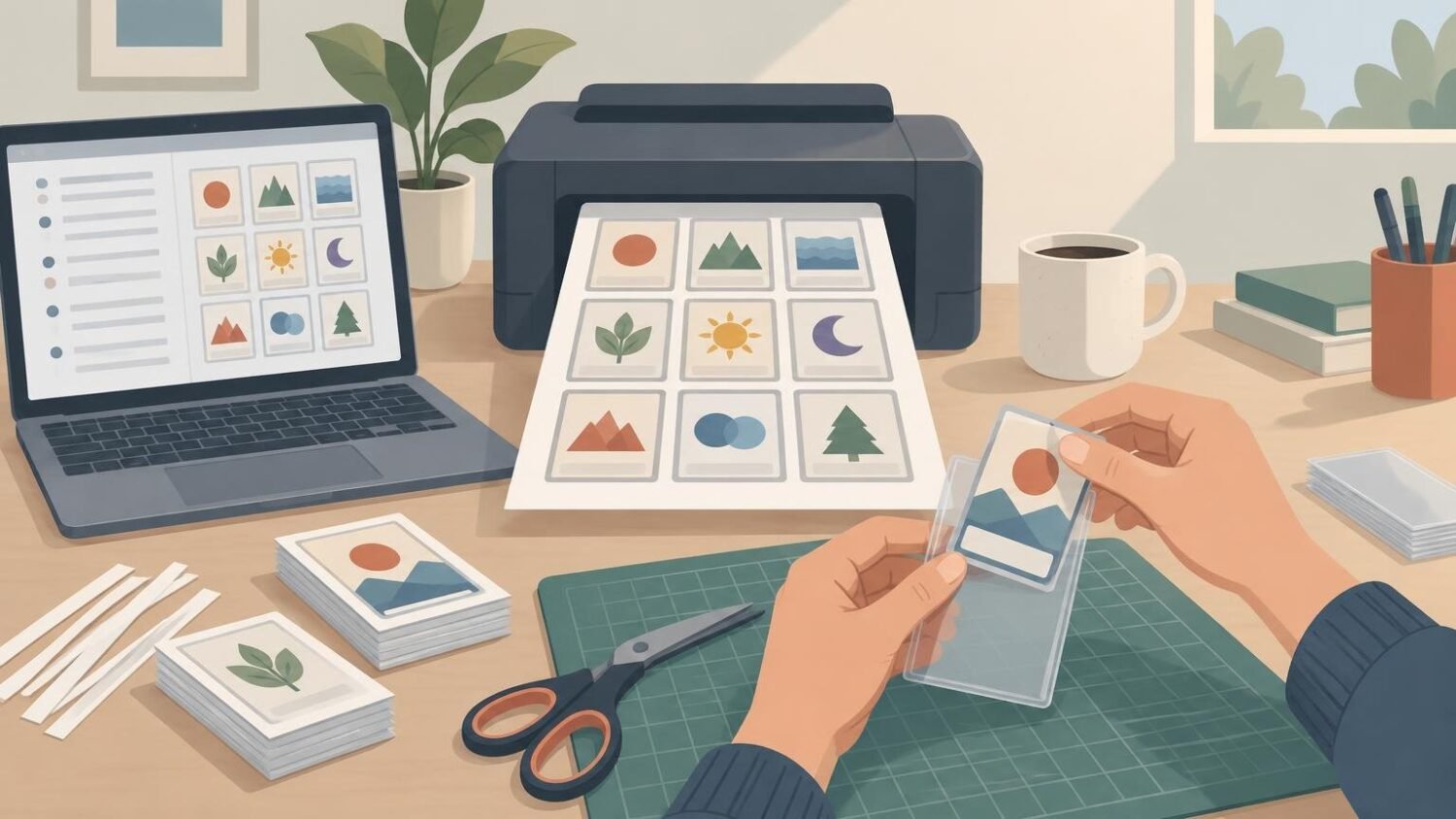
The simplest free route is to use MTG Print to turn a decklist into a laid-out PDF, then print that file on equipment you already have access to. Cut out the paper cards and sleeve each one in front of a spare Magic card or basic land. It is not glamorous, but it is cheap, readable, and perfectly practical for testing a deck before buying cards.
There is an important naming wrinkle: MTG Print and PrintMTG are separate websites. MTG Print offers the free decklist-to-PDF workflow described here. PrintMTG currently focuses on custom card creation and paid physical card printing; its visible card-maker workflow does not establish a downloadable PDF export. PrintMTG can still be useful when you want printed cards, but it is not the free PDF generator this particular job requires.
What “free proxy printing” actually means
The digital part can be free. The physical part usually consumes something: printer paper, ink or toner, sleeves, spare cards, and a few minutes with scissors or a paper cutter. If you send the PDF to a library or copy shop, that location may charge per page. “Free” therefore means no charge for creating and downloading the proxy sheets, assuming you already have the necessary printing supplies.
A home or borrowed printer is the obvious option. You can also check whether your school, workplace, community center, or local library includes a small printing allowance. Ask before sending a 100-card Commander deck to the queue; printer privileges have a mysterious tendency to disappear when someone produces a novel-sized stack of full-color pages.
For the lowest consumable cost, use black-and-white printing. The cards lose their artwork and color cues, but rules text, names, mana costs, and power and toughness are what matter during early deck testing. Color is more pleasant across the table, while monochrome is usually enough to discover that your carefully engineered mana curve is actually a small cliff.
Prepare a clean decklist first
Start with one card per line in a simple decklist. Include quantities, such as “4 Lightning Bolt,” and remove category labels, commentary, prices, and side notes unless the generator accepts them. MTG Print says it accepts a decklist in Magic Arena format, then lets you select versions before producing the printable layout.
Review the selected printings before downloading. Alternate art, showcase frames, foreign-language versions, and older scans may not be the easiest choices to read across a table. MTG Print also warns that some images, particularly older ones, can be low resolution. For a playtest card, a crisp ordinary printing is generally more useful than a stylish image whose text turns into soup.
Generate and download the printable PDF
Paste the decklist into MTG Print, resolve any cards the tool cannot identify, and choose the versions you want. The service can then create a laid-out PDF for printing. It also provides options including crop marks, gaps, bleed, and a printed-card list.
Crop marks make cutting easier. A small gap separates adjacent cards, while bleed extends imagery beyond the intended trim edge so a slightly imperfect cut is less likely to leave an obvious white strip. MTG Print specifically notes that bleed paired with a 3.0 mm gap can make hand cutting more forgiving. That option uses more ink, however, so plain layouts may be preferable when cost matters more than appearance.
Choose the PDF paper size that matches the sheet in the printer. Use Letter for US Letter paper and A4 for A4 paper. A mismatch can push cards beyond the printable area or clip part of the layout.
Print one test page at actual size
Before printing an entire deck, print one page—or even one card—and check it in a sleeve. This catches scaling, cropping, readability, and printer-margin problems before they spread across ten sheets. PrintMTG likewise recommends making, cutting, and sleeving a single test card before committing to a larger batch.
In the print dialog, select 100% or “actual size.” Avoid “fit to page,” “shrink oversized pages,” or “fit to printable area.” MTG Print specifically recommends 100% or 1:1 scale for accurate card dimensions. Automatic fitting can make every insert slightly too small, which is the sort of tiny mistake that becomes impressively annoying after cutting 100 cards.
Check the test print for readable rules text, visible mana symbols, complete borders, and consistent dimensions. Place it over a real card to compare size. If the text looks muddy, try a higher-quality printer setting, a clearer card image, or color output. If the whole card is undersized, correct the scale rather than enlarging the image by guesswork.
Cut and sleeve the paper inserts
Use the crop marks and a ruler with a craft knife, a paper trimmer, or ordinary scissors. A trimmer is quicker and more consistent for a full deck, but careful scissor cuts are adequate because the insert will sit inside a sleeve.
Place each paper proxy in an opaque sleeve in front of a spare Magic card or basic land. The backing card supplies the normal thickness and handling feel; the paper supplies the information. Wizards of the Coast describes a playtest card in similar terms: a printed-image slip placed in a sleeve in front of a land. Wizards of the Coast’s proxy policy also distinguishes personal, non-commercial playtest cards used outside sanctioned events from cards permitted in tournament play.
Keep the inserts flat, trim away large scraps that bunch inside the sleeve, and use the same sleeve type throughout the deck. Consistency matters more than photographic print quality. A proxy should be easy to identify without becoming distinguishable from the back during shuffling.
Use paper proxies for testing and casual games
Paper inserts are best for goldfishing a deck, testing substitutions, building a temporary Cube, or playing casual games with a group that accepts them. Have the conversation before the game, especially if the proxies represent expensive staples or significantly change a deck’s power level.
They are not a route into sanctioned play. Wizards states that cards used in sanctioned Magic events must be authentic Magic cards and that player-created proxies are not permitted. A Head Judge may issue an event-only proxy in narrow circumstances, such as when a card is accidentally damaged during that event, but that is different from bringing a home-printed deck.
When finished proxy cards are worth paying for
Home-printed inserts win on cost and speed, but they require cutting, sleeving, and backing cards. If the deck has survived testing and will see regular casual play, finished cards can provide cleaner presentation with less assembly.
ProxyFoundry is a practical paid upgrade for Commander decks, Cubes, and other casual projects. It says its cards are printed to order at standard card size, die-cut, and finished with UV coating. Those are first-party product claims rather than Routine Prints hands-on findings, and current prices and turnaround should be checked before ordering.
The decision is straightforward: use MTG Print’s free PDF generator when you have access to a printer, paper, sleeves, and spare cards. Start with one actual-size test page, then print the deck in color or inexpensive black and white. Paper inserts are the sensible choice for deck testing and casual games; finished cards become worth considering when better presentation and less cutting matter more than keeping the project nearly free.